
7726 Spam Reporter
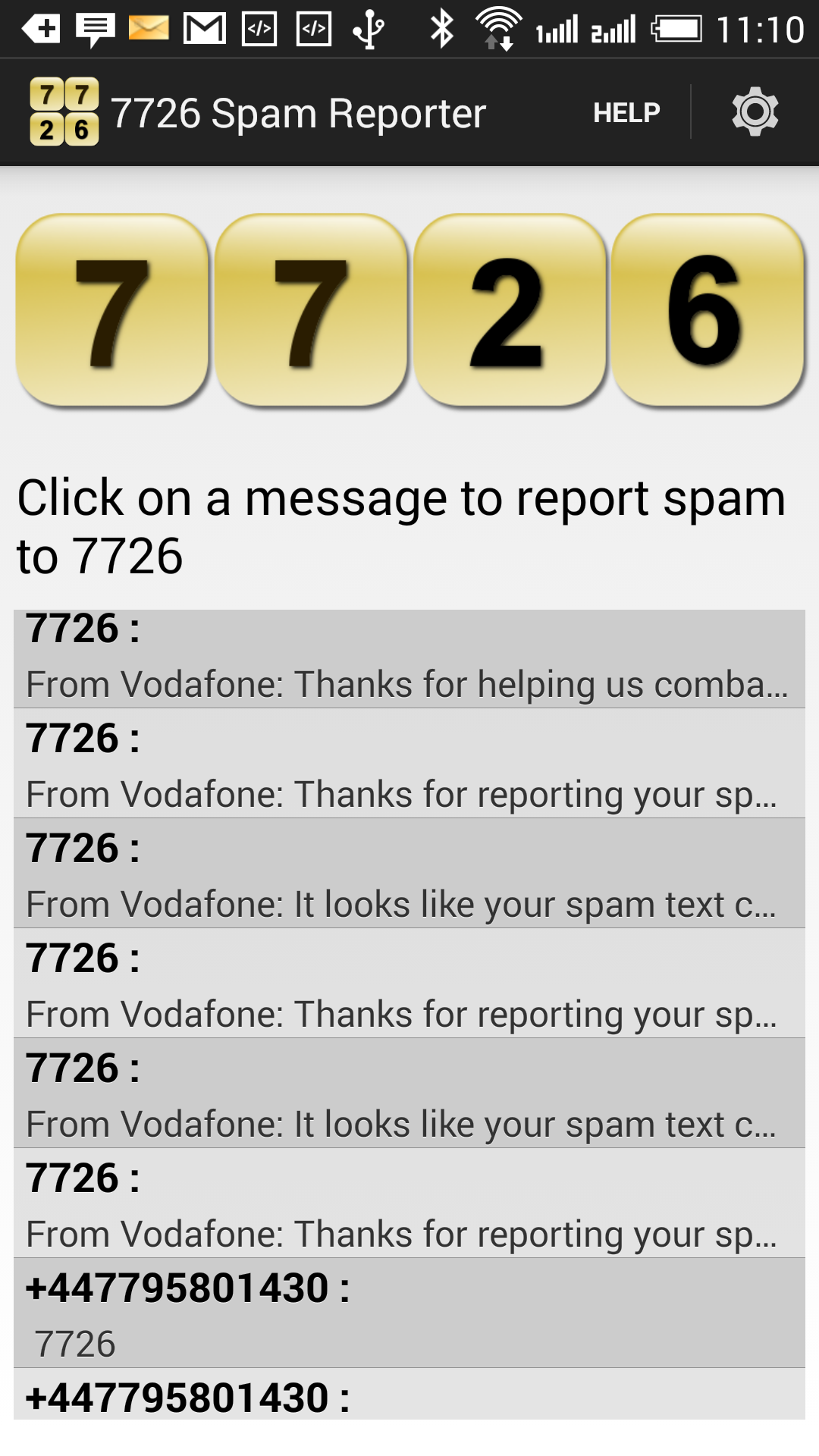
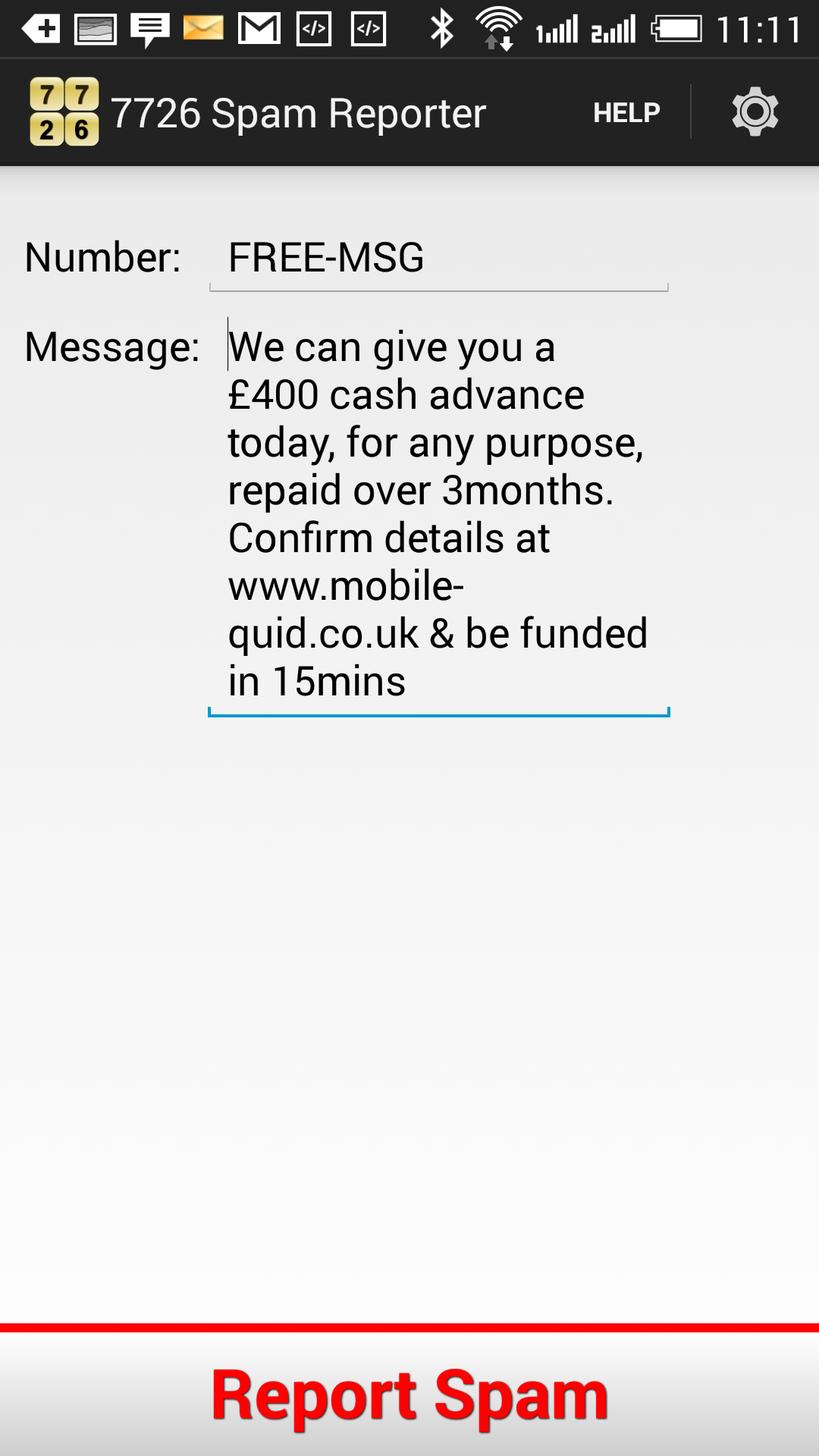
7726 Spam Reporter is an android app to easily report spam SMS messages. It sends the spam to your mobile network provider’s spam reporting inbox so that they can block spam from getting sent out in the first place.

7726 Spam Reporter is an android app to easily report spam SMS messages. It sends the spam to your mobile network provider’s spam reporting inbox so that they can block spam from getting sent out in the first place.
1) After you install the Vera Webcam Dropbox Uploader plugin, you will see a device called Webcam Dropbox Uploader. Click on the settings icon to configure it.
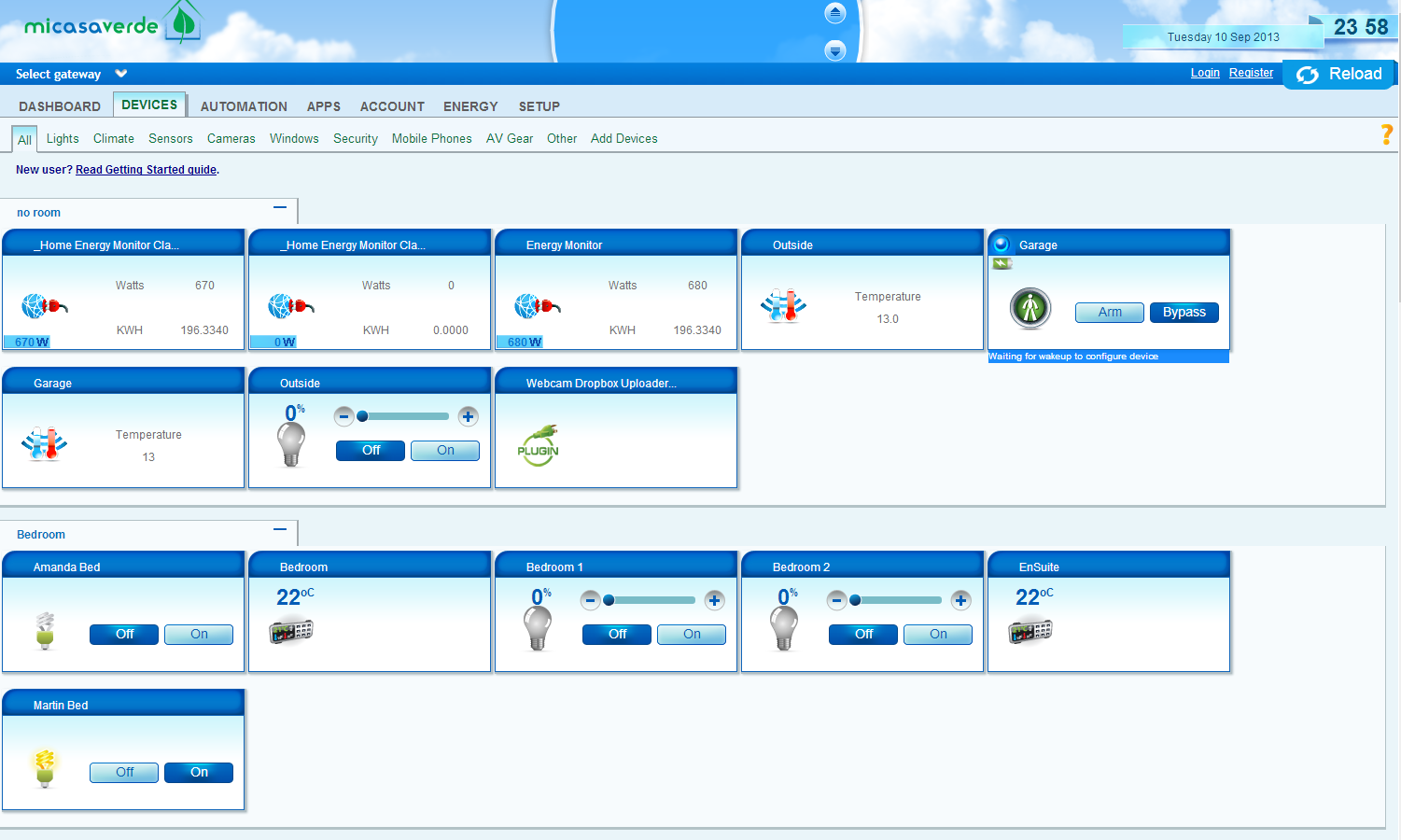
2) Click on connect to open a Dropbox.com browser window to authorize the app.
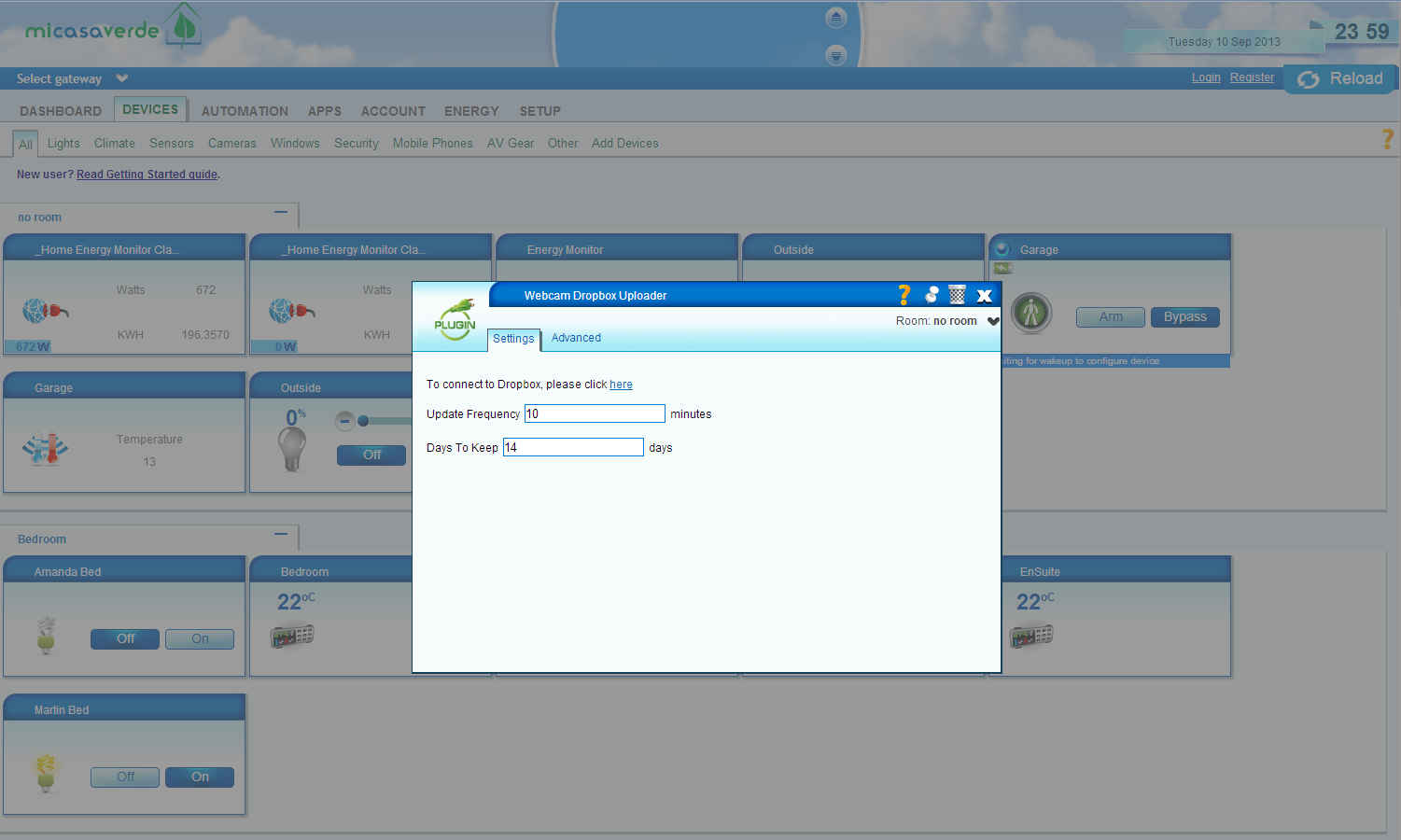
If you have a popup blocker, it may block the window. You need to allow the popup to open to authorize the app. In the Dropbox window, click on Authorize, and then when it has authorized, you can close the Dropbox window
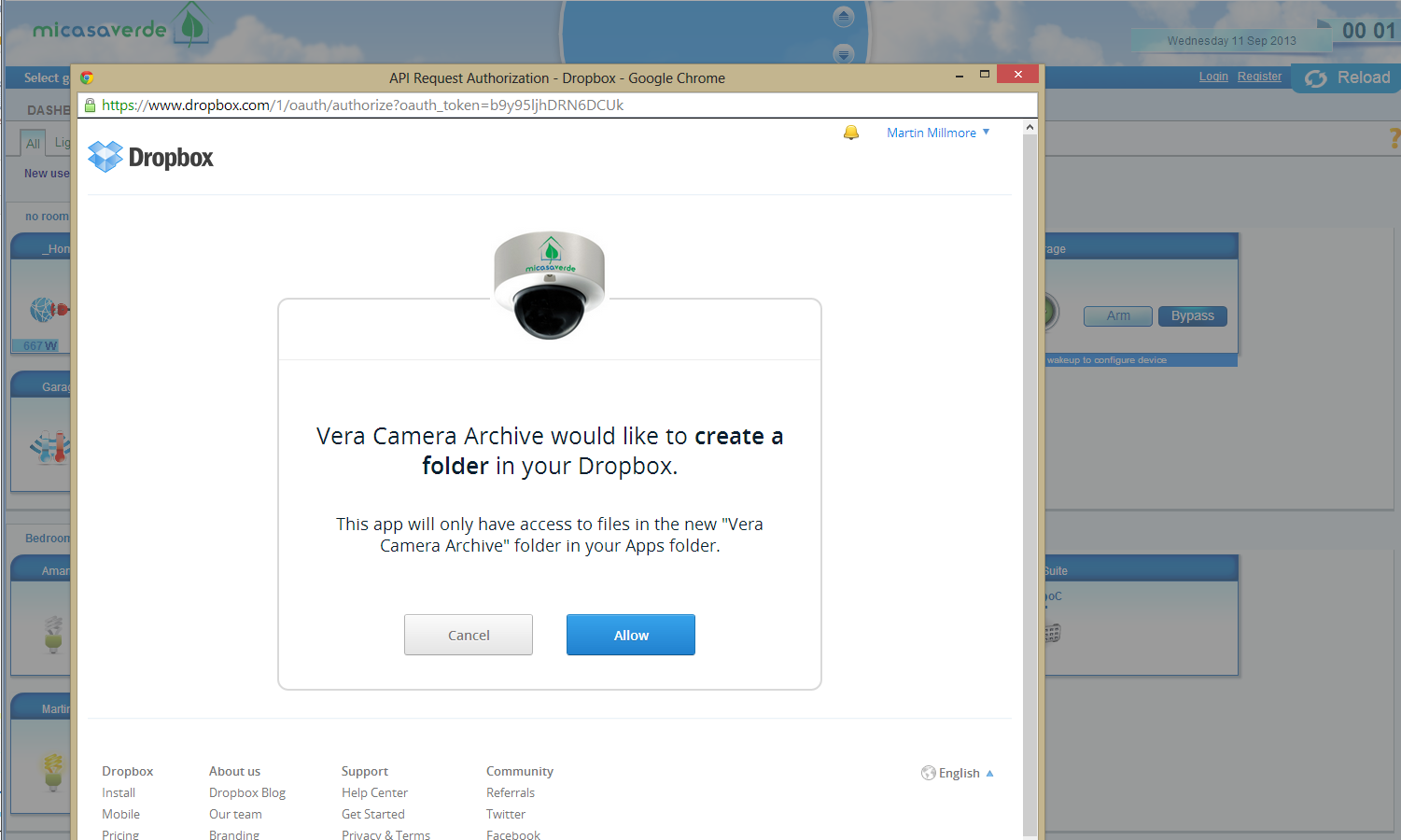
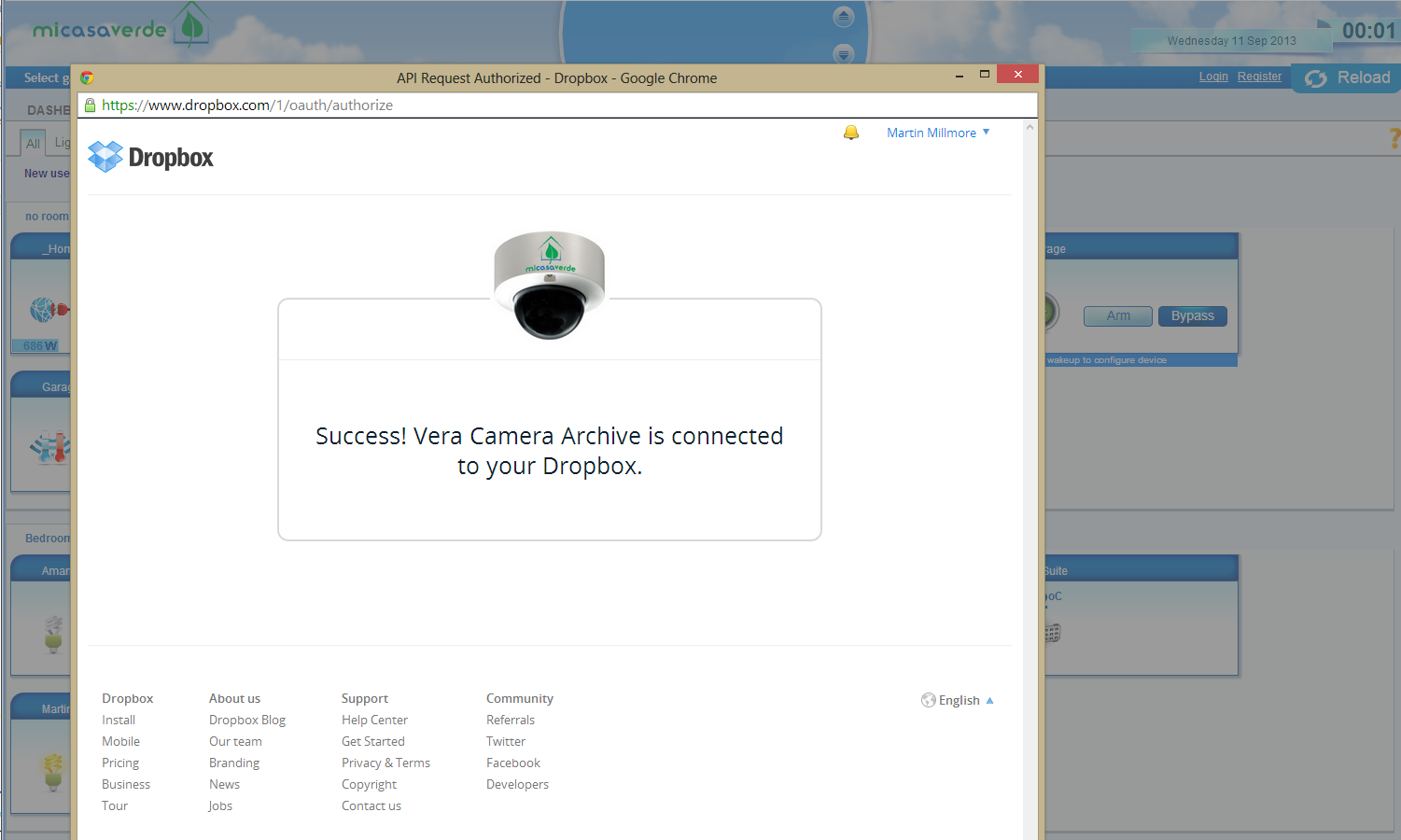
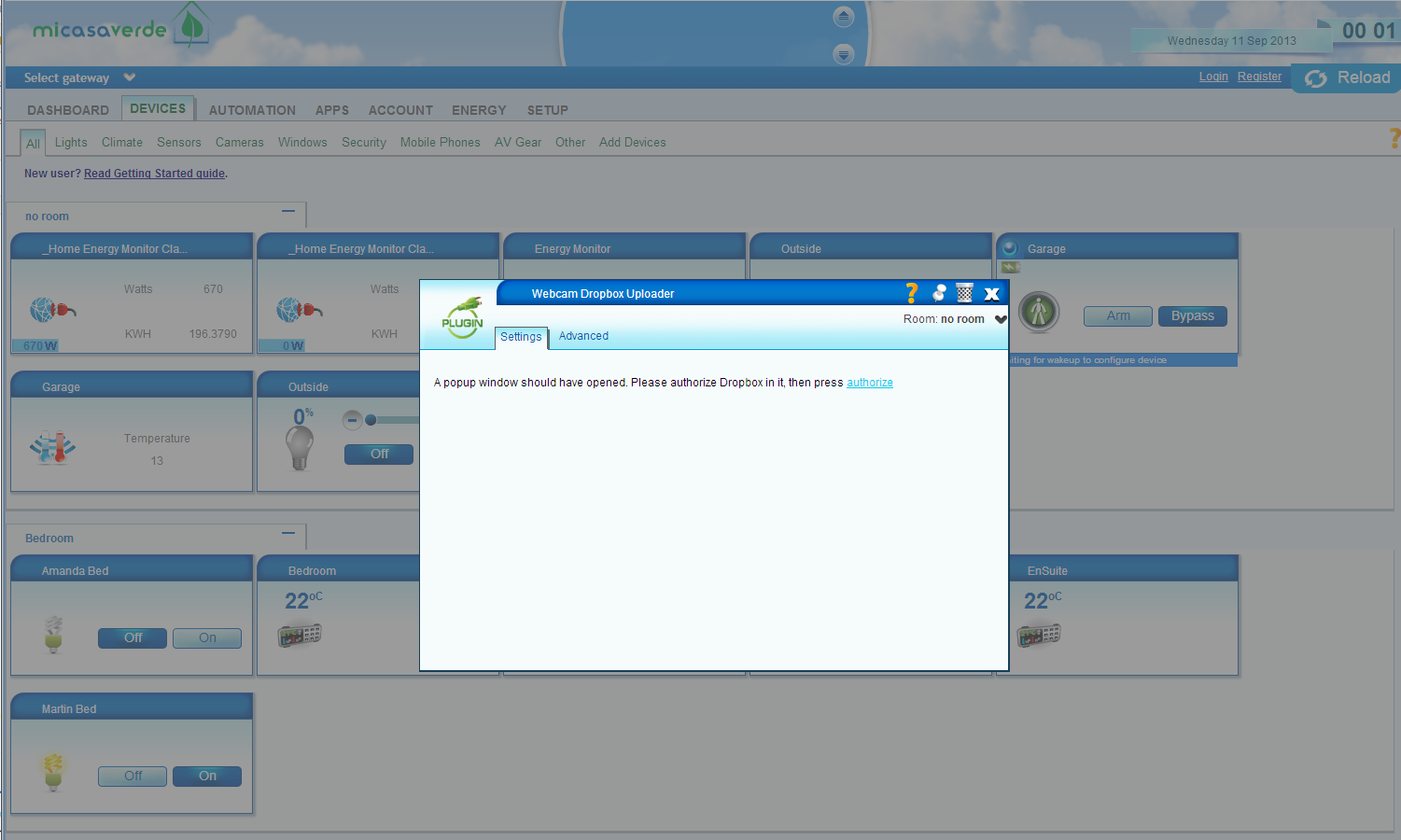
3) Back in your Vera window, now click on authorize to pull the details from Dropbox into your Vera.
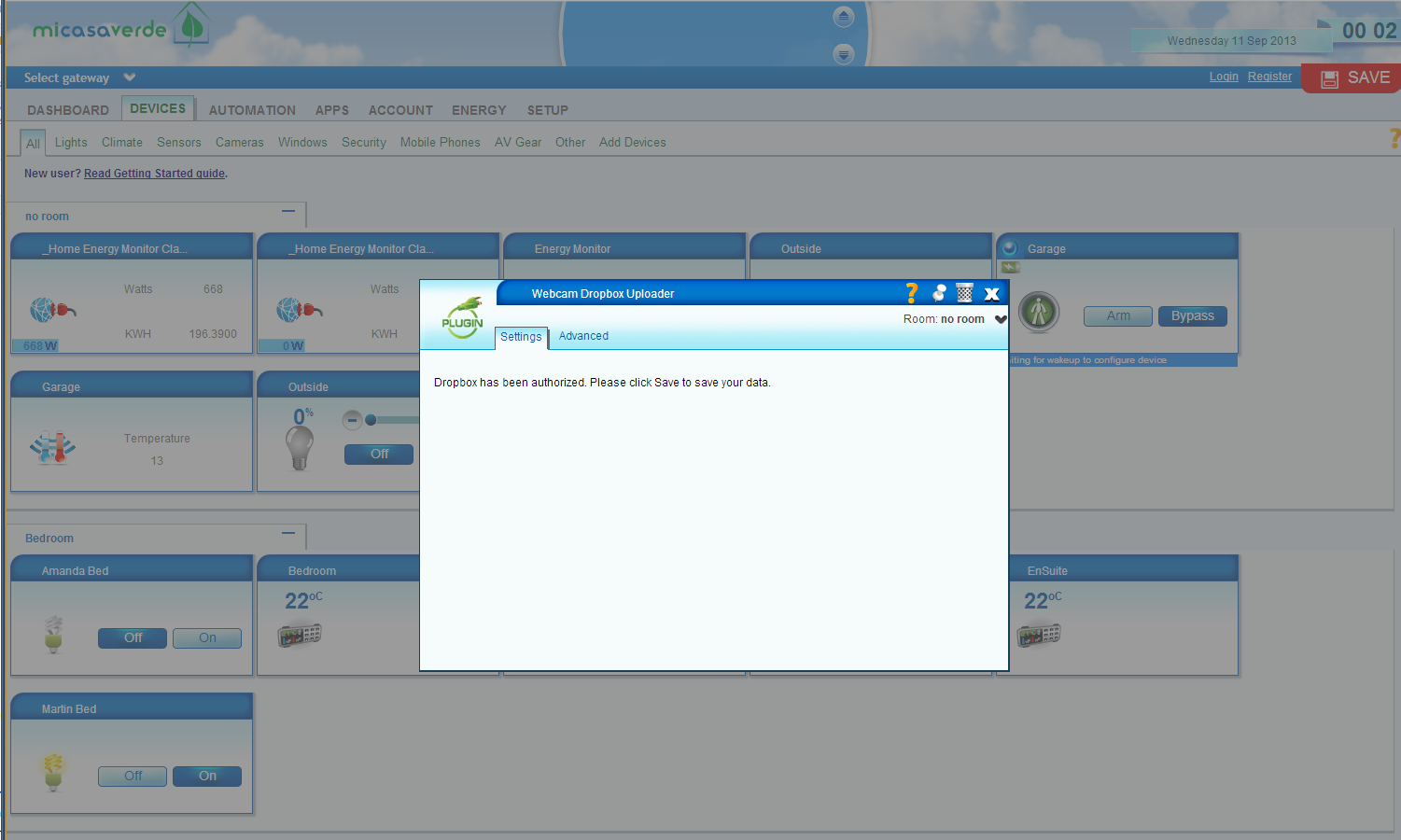
4) Enter the interval in minutes that you want to have between uploading images. If you don’t want to automatically upload, enter 0. Once you have done that, hit save.
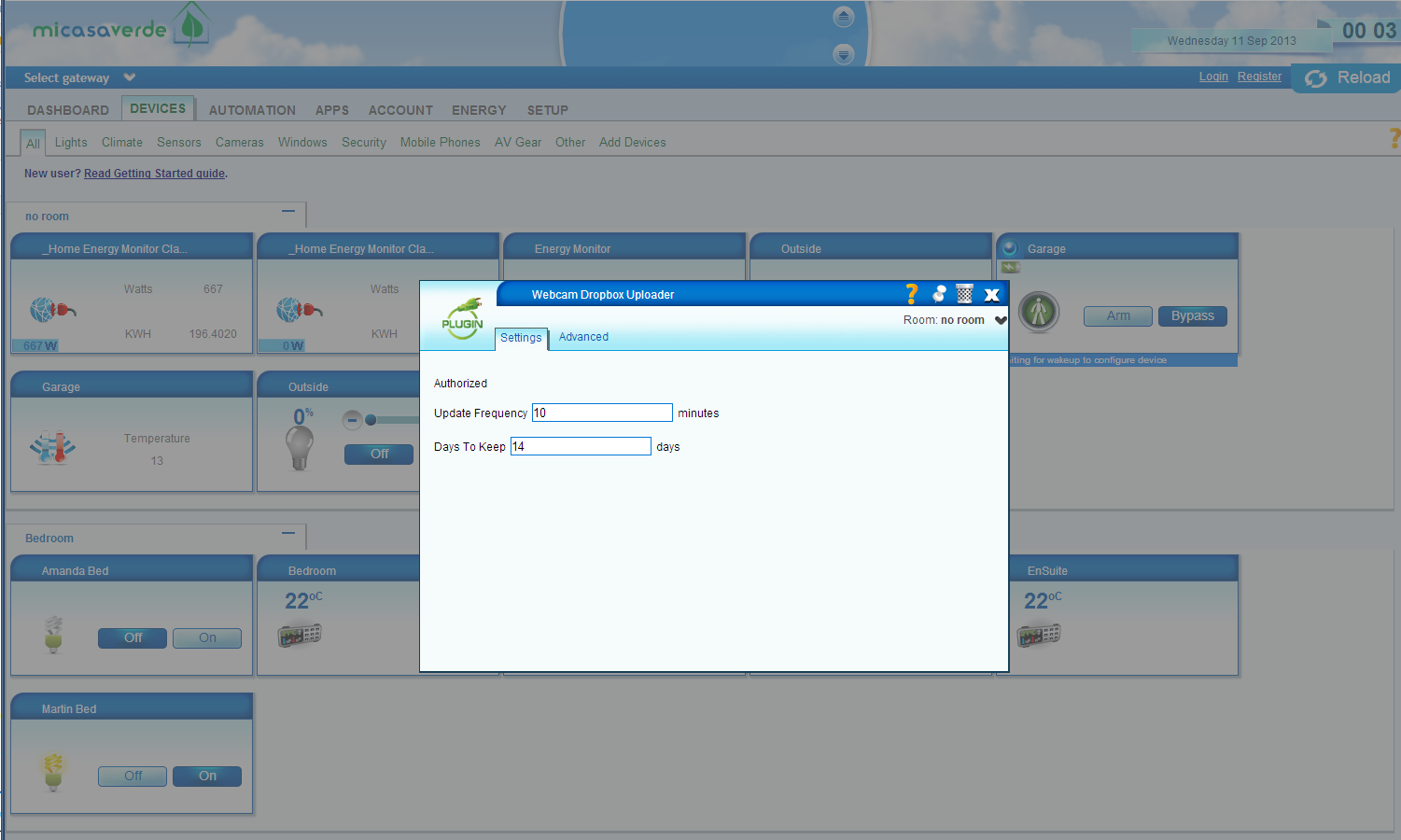
5) Your webcam images will now be stored in Dropbox. They get stored in a folder called Apps/Vera Camera Archive. You can’t change that directory name as that is the only directory that the code has access to – it is restricted to just that folder to protect your privacy.
Inside that folder, you will see a folder for each day. Any folders with the name year_month_day will be removed if they are older than the number of days which you specify. If you rename the folder to something else, it will get ignored in the cleanup. That cleanup happens when you restart your Vera, and once every 24 hours after that.
If you want to upload images as part of a scene, you can do that with the following service call;
luup.call_action("urn:milliesoft-com:serviceId:WebcamDropboxUploader1","SendAllSnapshots", "",XXX)
replacing XXX with the number of your Webcam Dropbox Uploader device
If you want to run for just one webcam, use the following code;
lul_settings={} lul_settings["webcamNumber"]=YYY luup.call_action("urn:milliesoft-com:serviceId:WebcamDropboxUploader1","SendSnapshot", lul_settings,XXX)
replacing XXX with the number of your Webcam Dropbox Uploader device, and YYY with the number of your webcam
NEW: MCE LoveFilm now supports saving of favourites. Find a film that you want to watch online later? Just add it to your favourites and come back to it at any time. No need to add it to your rental list just to remember it, save it all in the application.
Plus, for licensed users of MCE LoveFilm, store your favourites in the cloud so that they can be synced up on any PC. Not only that, you can send favourites back to MCE LoveFilm from any PC with out LCE LoveFilm extensions for Chrome and Firefox;

Just click on the button to send the film to MCE LoveFilm.
See here for details.
Unfortunately, SeeSaw, one of the the favourite plugins in TunerFreeMCE , is no longer available. SeeSaw was a great source of both free and paid for online TV content, and I guess that the paid for aspect of it just wasn’t paying the bills. That’s a shame for everyone who wants to watch a great back catalogue of TV programs, but at least the main broadcasters still have a great online presence. In fact, that great online presence is probably why people like SeeSaw find it harder to penetrate the market.
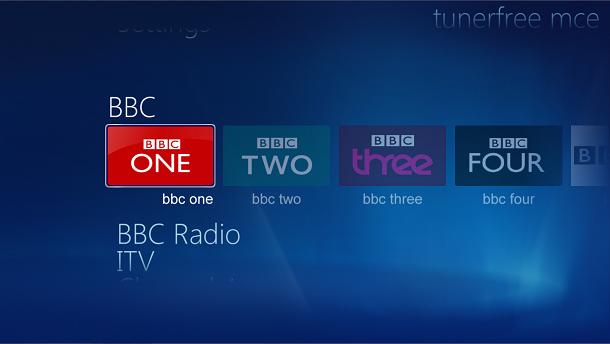
I have been working on a new UI for TunerFreeMCE, and am looking for people to beta test it. If you are interested, you can download the new version here;
http://www.milliesoft.co.uk/downloads/TunerFreeMCE_5_0_1.msi
Please send feedback to the forum.
PowerController is best installed on a PC that is always on so that it can monitor for devices being turned on and off. There are two sorts of PC that are most commonly always on, Media Center PCs and Home Servers. We therefore offer the ability to install the PowerController server on either of these systems. The server component is identical on each system, but the Media Center version has a native Media Center interface for configuring the system while the Home Server version has a Home Server settings tab for the basic settings.
To install the Windows Media Center version of PowerController, download the latest version from here. Run the msi file to install the software, then open Windows Media Center and visit Extras -> extras library -> Power Controller. A wizard will walk you through the different options for using the system.
If you are using Z-Wave, you should install your dongle and it’s driver before configuring PowerController.
To install the Windows Home Server version of PowerController, download the latest version from here, and put it in your Software/Add-Ins folder. Open settings and visit Add-ins, and click on Install next to PoweController. After installation, the home server console will close, so re-open it again and open the settings again. There will now be a PowerController tab in the settings. Enable the web server and enter a username and password, then visit the URL on the screen to continue the settings.
If you are using Z-Wave, you should install your dongle and it’s driver before configuring PowerController.
If you are using a Mi Casa Verde system then you can install a new device on your Vera to notify Power Controller whenever a change is made to your devices. Download it from here. Unzip it and upload all 4 files to your Vera by clicking on MiOS developers, then Luup files. In that tab, choose all 4 files to upload, check the Restart Luup after upload checkbox and press Go.
After the files are uploaded and the server has restarted, click on MiOS developers again, and pick the Create device tab. In there enter “PowerController Monitor” against the description field, and enter “D_PowerController.xml” in the UpnpDevFilename field, and then click the create device button. You don’t need to worry about what Room it is in, or any other fields. This will add a device which runs on the background to notify the PowerController system when there are state changes to binary switches or dimmers.
Next configure your system.
There are two ways of configuring PowerController – either through the web pages, or through the Media Center interface. The web interface is more sophisticated, so is better if you have a keyboard and mouse available.
After installing PowerControllerWHS or PowerControllerMCE, enable the web server as described in the installation instructions. The address of your server will be shown on the configuration screen, e.g. http://192.168.0.10:53107/. Visit that link in any web browser, and click Preferences in the top right hand corner.
After installing PowerControllerMCE, you will be asked to choose if you want to run in Local Mode where everything is run from the local PC, or remote mode where everything is run from another PC – i.e. the settings and Z-Wave USB device are on another PC.
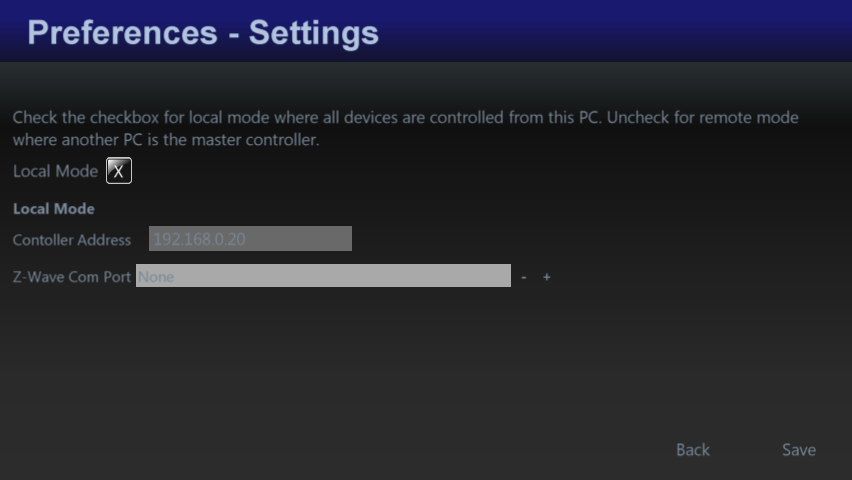
If you use a BBSB controller, you may want to use a static IP address. Instructions for doing that can be found on the Bye Bye Standby forums here.
After you have set that up, you can set up the Zones in your house. This might be different rooms, or different floors that you want to group your devices by.
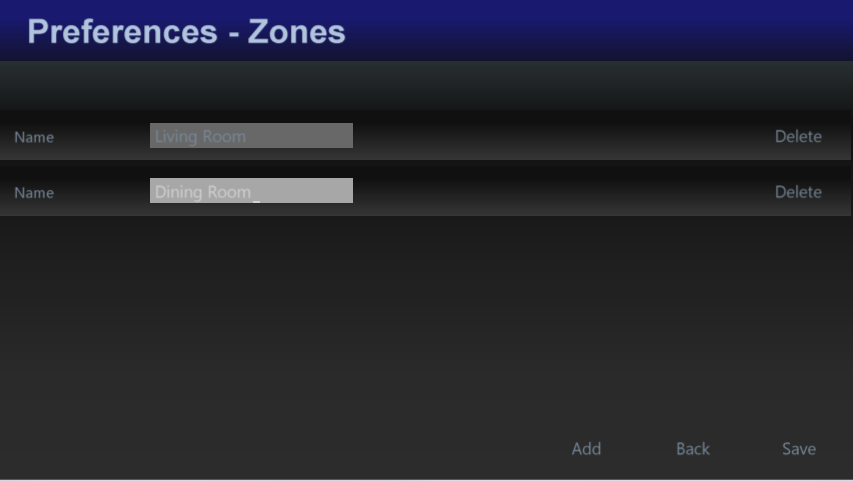
After you have set that, you can add your devices.
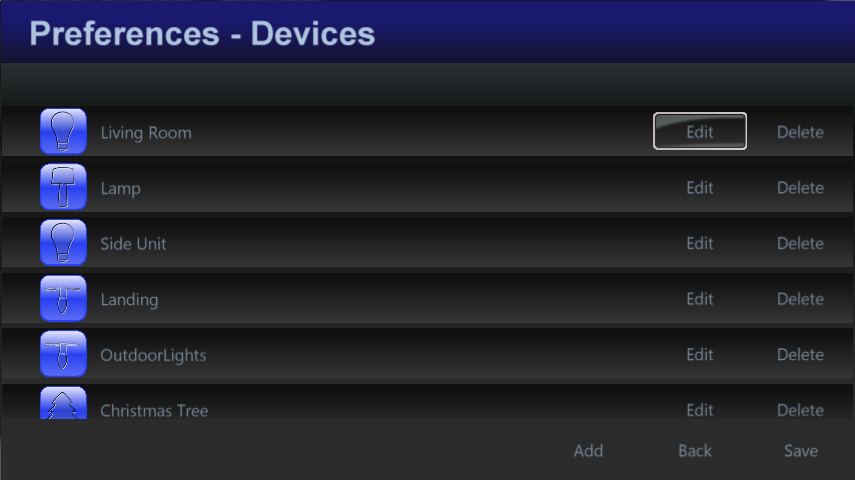
Give them a name, pick a type of device. The type is simply used to give an image, so don’t stress if your device type isn’t in there. It’s just used to show an icon. Then optionally pick a scene, and the control system type. For BBSB, pick the housecode and unitcode, and for Z-Wave pick the device number. For Mi Casa Verde, you can pick the device by name. For Webcams, enter the URL of the webcam that produces jpg images (most webcams have this somewhere!). If your webcam requires a username and password enter then in the URL as follows: http://username:password@webcam_address:webcam_port/, e.g. http://martin:welcome1@192.168.0.5:81/.
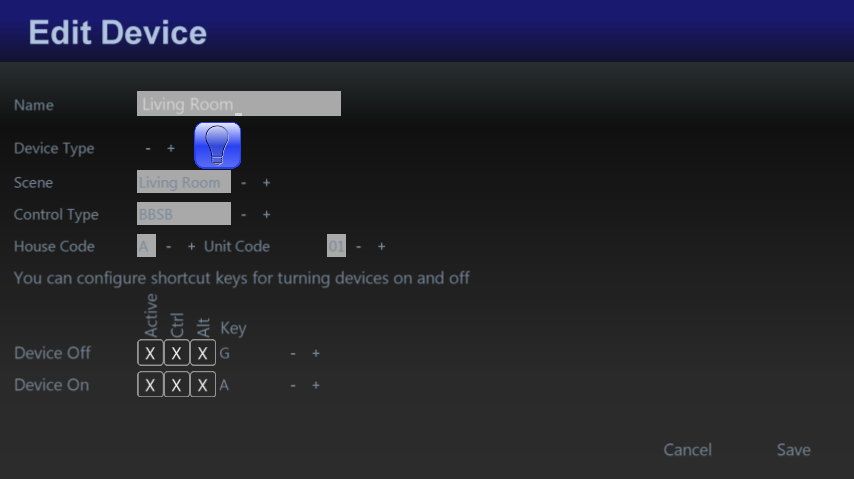
You can also pick a shortcut key combination for turning devices on and off, and for dimmable Z-Wave devices for dimming it up and down. This is particularly useful for use with a universal remote control which can then be programmed to turn devices on and off without having to open the PowerControllerMCE application, or even without having to turn on your TV.
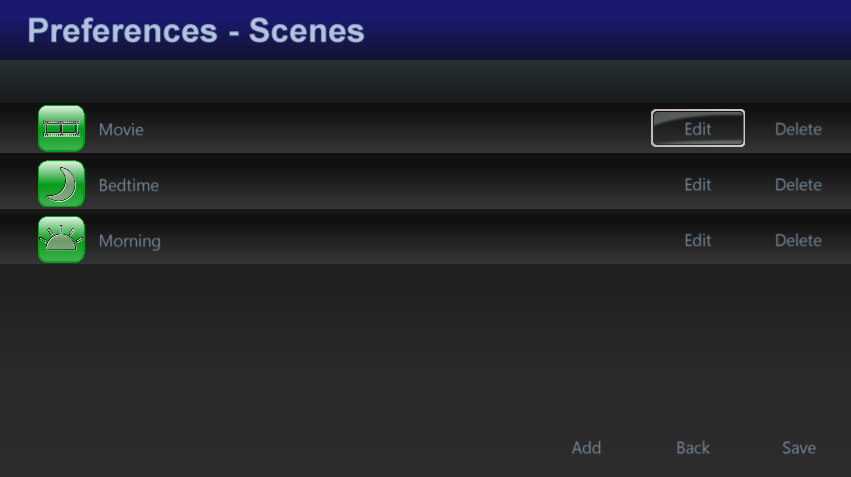
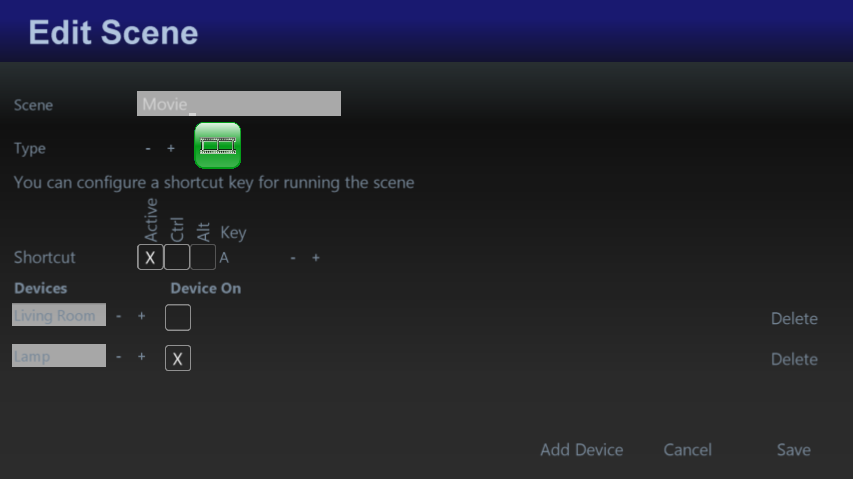
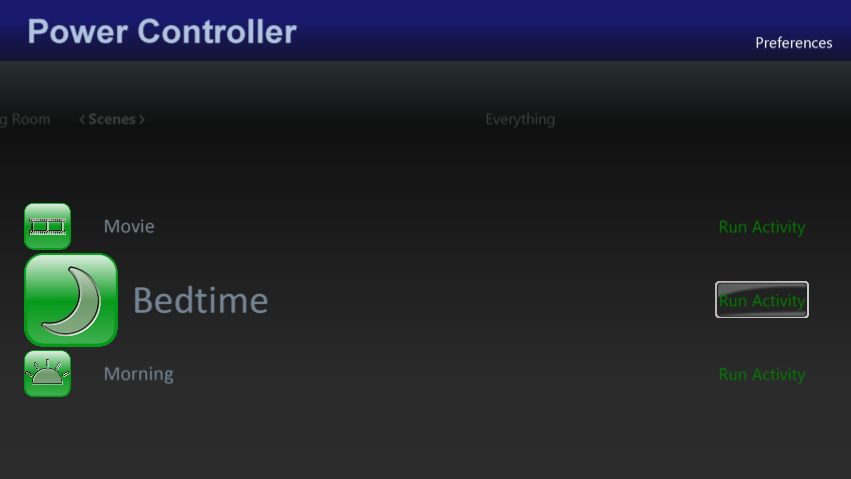
Next you can set up scenes. These are pre-set actions which can be performed such as turning some devices on and some off, and setting the dim level. You can also set up keyboard shortcuts for running scenes from your remote control too.
Once you have the system set up, you can turn on or off devices individually, or you can turn off all devices at once, all using your remote control.
You can also go in to the Scheduled Events page and set repeating times for your devices to turn on or off
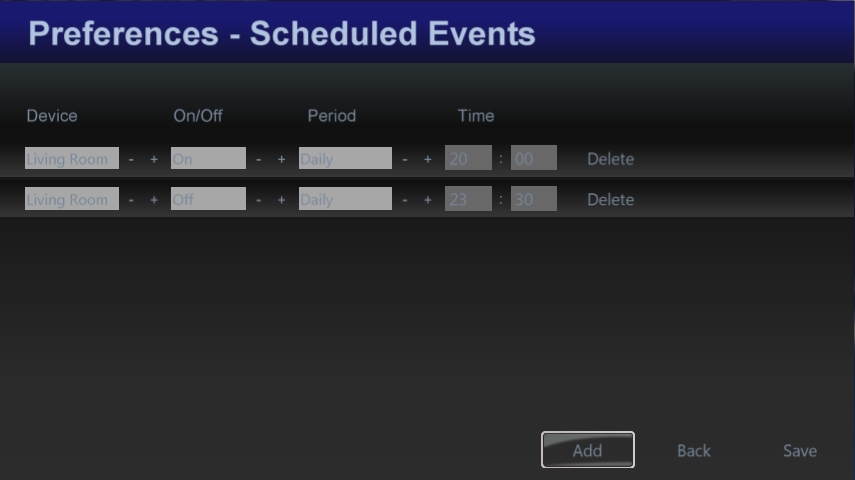
You can pick to repeat the event hourly, 2 hours, 4 hours, 6 hours, 12 hours or Daily. So, for example, if you want your lights to go on at 6pm every day and off at 10pm, add one event to turn on your lights as 18:00 with a frequency of Daily, and then add another even to turn your lights off at 22:00 with a frequency of Daily. As long as your computer is running, the messages will be sent to the controller. Media Center does not have to be running for the events to be sent.
If you are using Z-wave, install the Z-Wave USB controller software on your home server first.
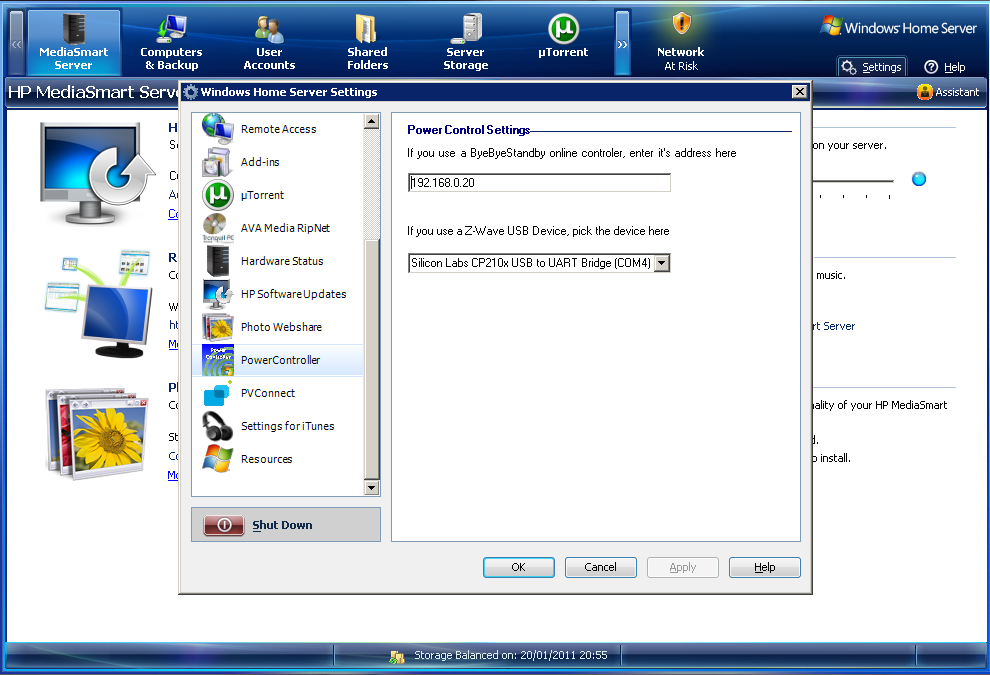
To install the server version of Power Controller, download it and put it in your Software/Add-Ins folder on your home server. Then go to settings on the home server and install the add in. The home server console will close after installation, so open it up again and go to settings and choose PowerController. Either enter the BBSB controller address or pick your Z-Wave device (or both). You are then ready to start pointing your media center installations at this server.

Bogies is a very simple game involving two or more people. You must go to a public place, preferably somewhere quiet like a library, or a museum, and then you must say “Bogies” in an increasingly loud voice until;
This game was popularized by Dick and Dom (in da Bungalow). Search for that on YouTube to see how they played it.

If you thought that the last PowerControllerMCE news was amazing, you are going to blown away by the latest updates.
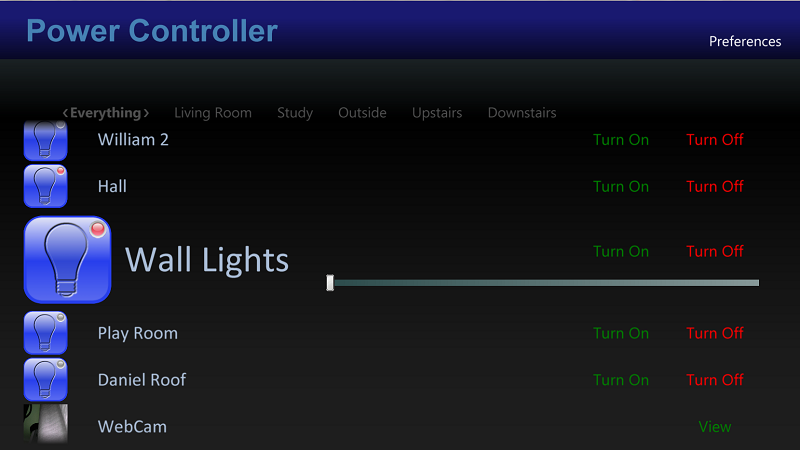
PowerControllerMCE is now supports multiple formats
That’s right – due to popular demand, we now support Bye Bye Standby, Z-Wave, Mi Casa Verde and IP Webcams, all in one control system. Mix and match devices as you build your system
Support for multiple zones
Split your house in to different zones or rooms to allow you to group your devices conveniently
Support for scenes
Create multiple scenes for different activities, e.g. Watch Movies, or Bedtime to set multiple devices on or off, and set the dim level, all from one control
Universal Remote Control
You can set a keyboard shortcut for any of the devices or scenes so that you can turn them on or off and dim them without even going in to PowerControllerMCE. If you have a programmable remote control you can even program those keys in to it to control your devices without even turning on your PC
Server support
Rather than leaving your media center PC on all the time to monitor the state of your devices, you can now install a windows home server add-in to control and monitor everything. Best of all, when you do this all of the settings and state information is stored on the server and can be shared from multiple PCs.
In a massive double whammy, we have two Power Controller pieces of news. First of all, an upgraded version of PowerControllerMCE, which allows you to control Bye Bye Standby devices from your media center PC. The latest updates overhaul the UI, and add constant monitoring of devices to display live information about which ones are on and off.
And secondly, there is a new Android application for controlling your BBSB devices, called simply Power Controller.
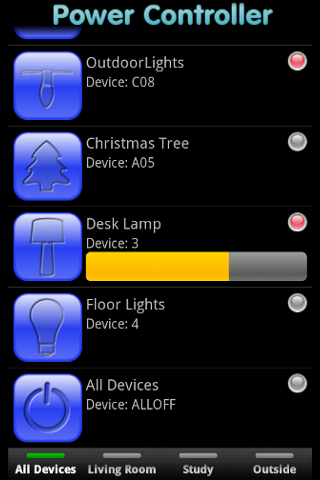
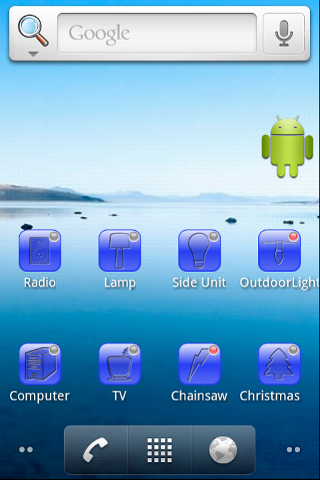
It also brings the ability to control devices, but this time from your Android phone. It also optionally integrates with PowerControllerMCE to pull in a list of devices, and to share information about which devices are on and off. Available to buy now in the Android Market.